Here's a simple guide on how to use Google Smart Home to control your Legend Hills home.
Don’t worry—it’s as easy as flipping a switch!
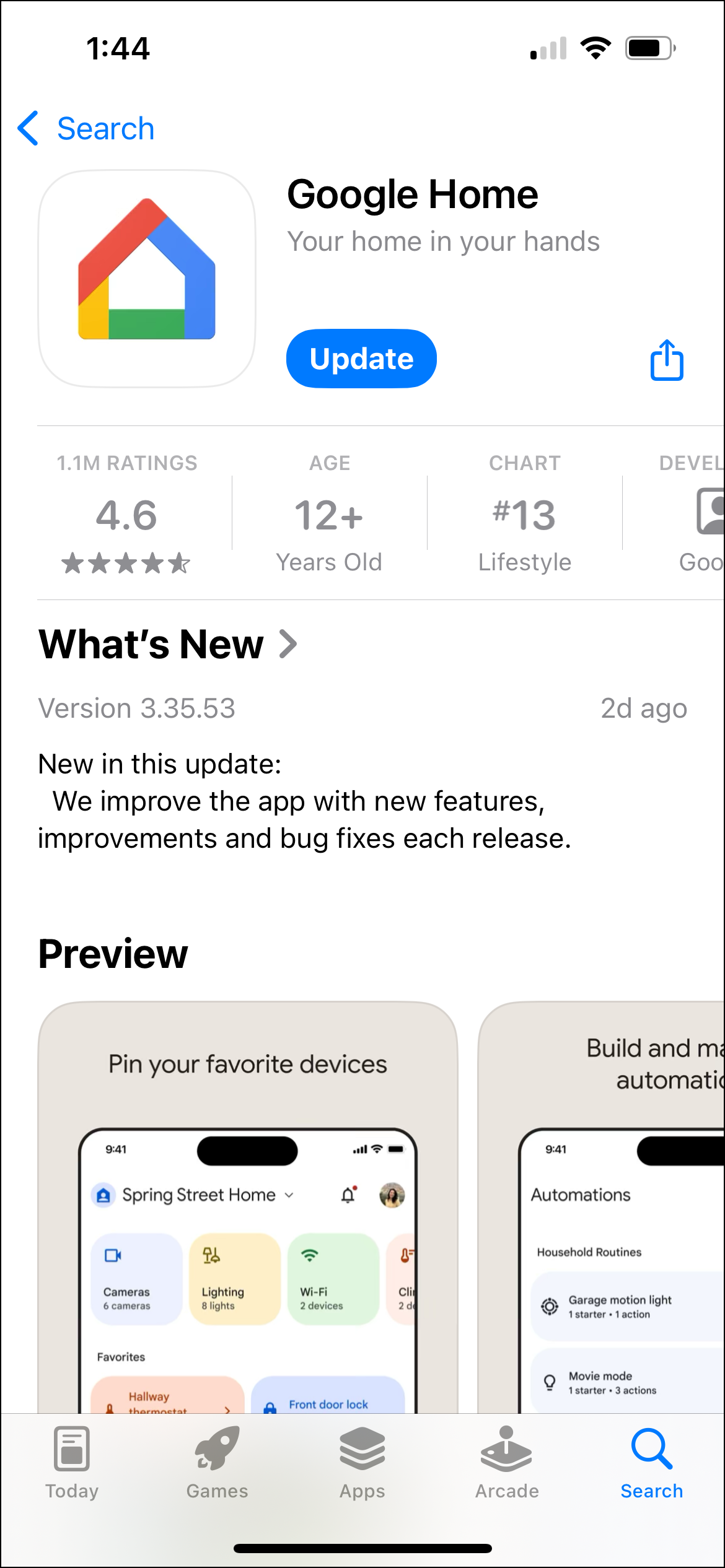
Step 1 : App "Google Home" install
Since all smart devices in your Legend Hills home are already registered with Google Home, you can start using them right away without any additional setup.

Step 2 : Use the Google Home app
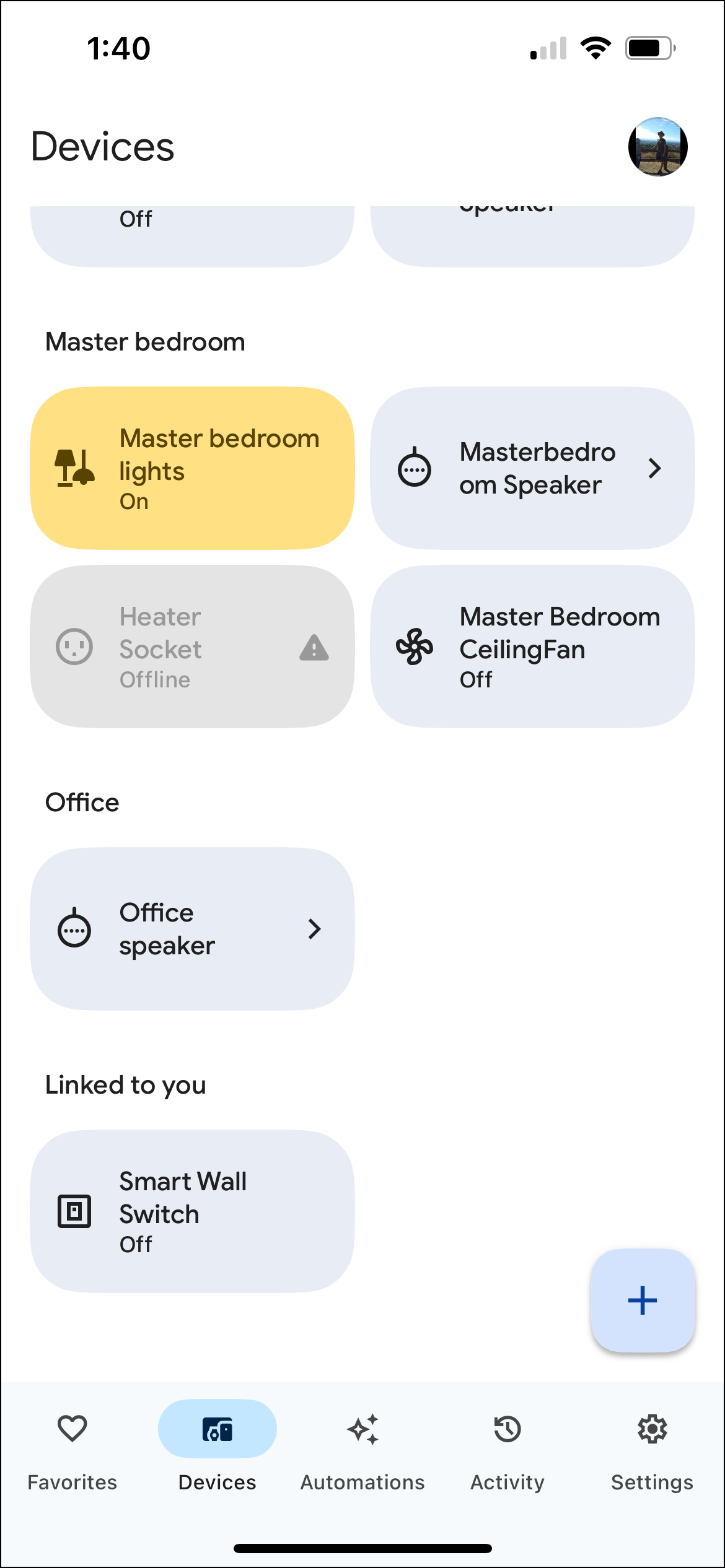

ex1)You can turn the device on or off by clicking the corresponding icon.
ex2)To control a device, say "OK Google" or "Hey Google," followed by the device name and your command. For example, "Hey Google, turn on the living room light."
ex3)If you say "Hey Google, turn on the light" in the master bedroom, only the light in the master bedroom will turn on.
ex4)If you need a specific action to occur under certain conditions, you can create a routine in the Automations section by selecting "Create."
For example. For the "White Noise" automation, on weekdays at 10 PM, the master bedroom light turns off, and the master bedroom speaker plays white noise at 50% volume.
You're welcome! I hope you enjoy using Google Home to its fullest.

'Etc' 카테고리의 다른 글
| HACCP란? 식품 안전을 위한 7단계 관리 원칙 완벽 정리 (2) | 2024.11.17 |
|---|---|
| pH란 무엇인가요? (5) | 2024.11.17 |
| 이것만 알면 무쇠팬 마스터! 길들이기 방법과 브랜드 비교 (9) | 2024.10.31 |
| 픽업 트럭 베드 캡(Truck Bed Cap) 종류 및 선택 가이드: 나만의 픽업트럭 꾸미기 (9) | 2024.10.25 |
| EYE MARK(아이 마크)가 뭐죠? (1) | 2024.10.19 |